How Do You Extend or Renew Mercedes-Benz App Services?
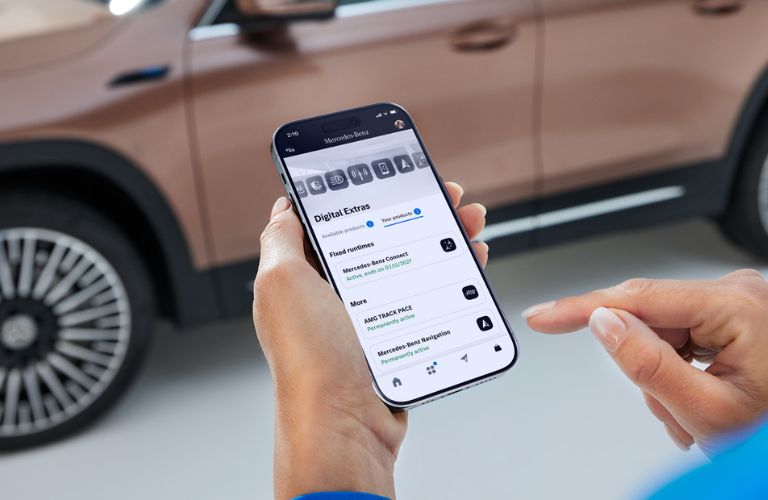
Staying connected to your vehicle makes life a little easier. If you’re asking, “How do you extend or renew Mercedes-Benz App services?”, Mercedes-Benz of Arrowhead in Peoria, AZ, can help you understand the process. From starting your engine remotely to checking your vehicle’s status, renewing your Digital Extras can keep useful features at your fingertips.
Read More – Mercedes-Benz Voice Control: Using Natural Language for a More Connected Drive
How Can You Renew Mercedes-Benz App Services?
Head to the official Mercedes-Benz Store and sign in to review services eligible for your vehicle. Choose the services you want to renew, add them to your cart, and complete checkout.
Once your vehicle has an active connection, activation begins. Depending on your coverage zone, it may take up to 48 hours. Remember, Digital Extras must be activated within one year of initial registration or purchase to avoid automatic expiration.
Read More – How Does Route-Based Speed Adaptation Help on Long Arizona Drives
Which Remote Features Are Available After Renewal?
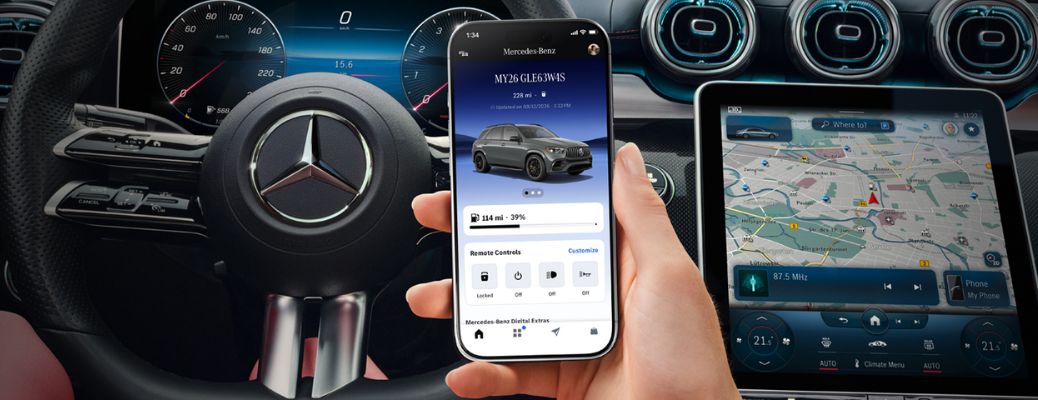
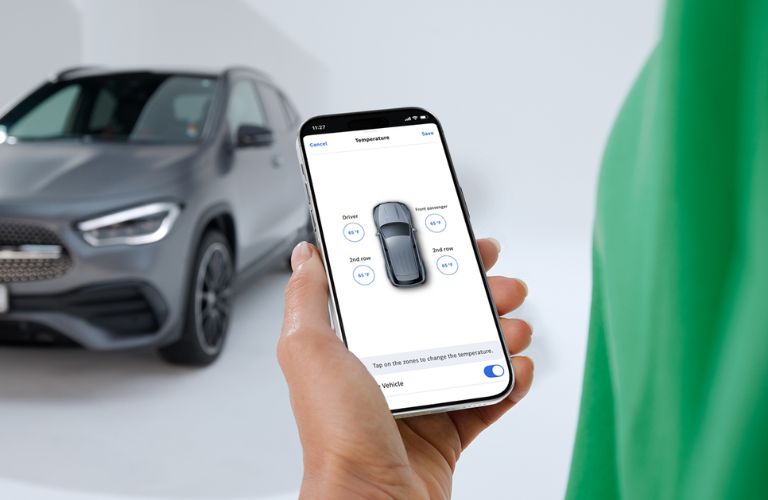
Imagine stepping outside on a chilly Arizona morning. With Remote Engine Start, you can start your vehicle using the Mercedes-Benz app before heading out. Pre-Entry Climate Control lets you set the cabin temperature and activate heated or ventilated seats, depending on your vehicle’s equipment.
Forgot to lock the doors after grabbing groceries? Use Remote Door Lock and Unlock to check and manage your vehicle’s locks from your smartphone. The Locate Vehicle feature can also help you find your Mercedes-Benz in a packed shopping center. Need extra help? The horn and lights function can make spotting it easier.
Read More – How Does Active Steering Assist Keep a Mercedes-Benz Centered in Its Lane?
How Do You Activate or Troubleshoot Your Services?
Pair your vehicle through the app by scanning the QR code on its multimedia display or entering your Vehicle Identification Number (VIN). Then follow the prompts to activate eligible services.
If a renewal doesn’t activate after 48 hours, check your vehicle’s connection and service status. For assistance, you can also call Mercedes-Benz of Arrowhead at 623-806-8764.
Learn More About the Mercedes-Benz App at Mercedes-Benz of Arrowhead in Peoria, AZ!
Renewing your app services helps you make more of your vehicle’s connected technology. Visit Mercedes-Benz of Arrowhead in Peoria, AZ, for guidance on your Mercedes-Benz Digital Extras and connected features.