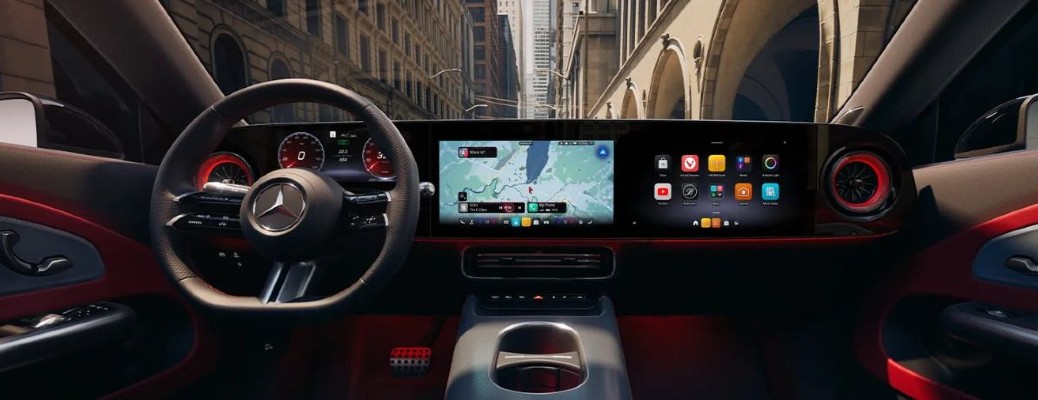
A Quick Guide: How to Connect to Bluetooth in a Few Minutes
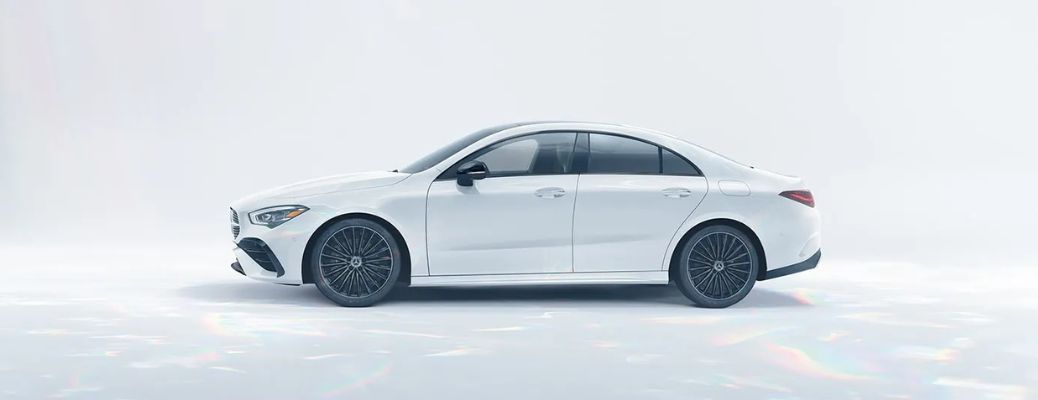
Staying connected on the road has never been easier than in the 2026 Mercedes-Benz CLA 250. With advanced Bluetooth® technology built into the MBUX infotainment system, you can sync your smartphone to enjoy hands-free calls, music streaming, navigation, and messaging, all while keeping your focus on the drive. If you’re wondering how to connect to Bluetooth in a 2026 Mercedes-Benz CLA 250, Mercedes-Benz of Arrowhead in Peoria, AZ, has you covered.
Step-by-Step Guide: How to Connect to Bluetooth in a 2026 Mercedes-Benz CLA 250
Follow these quick and easy steps to connect your smartphone to your Mercedes-Benz CLA 250:
- Activate Bluetooth® on Your Smartphone: Begin by turning on Bluetooth® in your phone’s settings so it’s visible to nearby devices.
- Access the Multimedia System: From your CLA 250’s main infotainment display, tap “Settings.”
- Go to System Settings: Select “System” from the on-screen menu to open connection options.
- Enable Bluetooth® in the Vehicle: Tap “Wi-Fi and Bluetooth,” then ensure the Bluetooth® connection toggle is turned on.
- Navigate to the Phone Menu: Return to the main screen and open the Phone menu to begin pairing.
- Add a New Device: Choose “Devices,” then select “My Devices.” Tap “Connect New Device.”
- Confirm Pairing: On your smartphone, confirm the pairing request by matching the PIN or verification number displayed on your car’s screen. Once confirmed, your phone will automatically connect to the system.
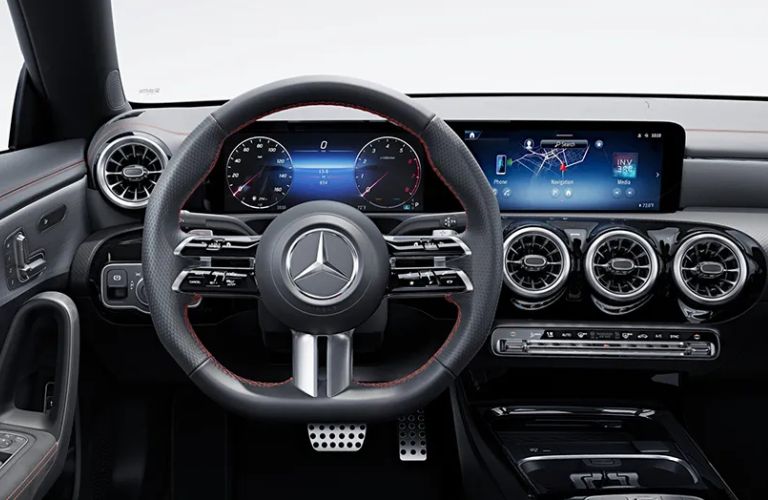
What You Can Do Once Connected
After pairing your smartphone, you can take full advantage of the CLA 250 model’s advanced connectivity features, such as:
- Hands-free calling and text message display
- Music streaming through Apple Music, Spotify, and more
- Voice control via “Hey Mercedes”
- Navigation and real-time traffic updates
- Access to contacts and call history directly from the touchscreen
These intuitive features make every trip more enjoyable — whether you’re heading to Scottsdale, Glendale, or right here in Peoria.
Troubleshooting Bluetooth® Connection Issues
If your device doesn’t connect right away:
- Ensure Bluetooth® visibility is turned on in your phone’s settings.
- Delete any old connections and try pairing again.
- Restart both your smartphone and your vehicle’s infotainment system.
If issues persist, the certified Mercedes-Benz technicians at Mercedes-Benz of Arrowhead can help you get everything synced perfectly.
Connect with Mercedes-Benz of Arrowhead in Peoria, AZ
At Mercedes-Benz of Arrowhead, we’re here to help you get the most out of your luxury vehicle — from Bluetooth® pairing to a complete infotainment setup. Visit us in Peoria, Arizona, near Phoenix, Glendale, and Surprise, to explore the latest Mercedes-Benz technology and take a 2026 CLA 250 for a test drive.